Information
How to start playing on SpookyTime, how the server works and what to do when something happens.
Nothing found. Try another word.
Getting started
SpookyTime is an anarchy server for Minecraft: Java Edition. You can join with versions 1.16.5–1.21.11.
- Add the server. In Minecraft open Multiplayer, press Add Server and paste the address.
- Join and remember your password. Every account on the server has a password: you need it to log in and to link the account to the bot.
- Link the account to Telegram or VK. That protects it and lets you reset the password. Linking gives 1,000 tokens per account: type
/tgor/vkon the server. - Take the free stuff.
/tokensgives tokens every wipe,/dailygives a daily reward, and/fortunain the bot gives Fortuna every day. - Read the rules. Not knowing the rules doesn’t free you from responsibility.
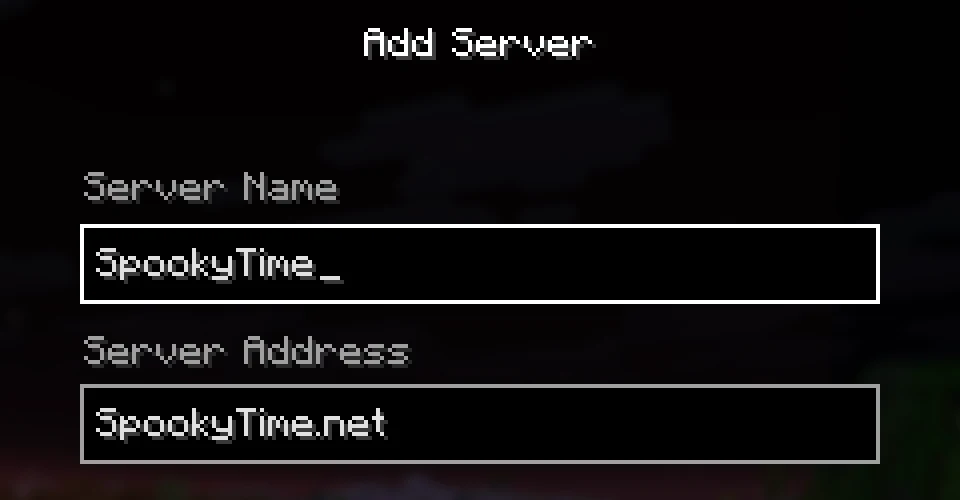
More addresses, also for 1.16.5–1.21.11:
If it lags or won’t connect, try neo.spookytime.net and tcp.spookytime.net: they take different routes to the server, so pick the one with the lower ping.
The SpookyTime bot
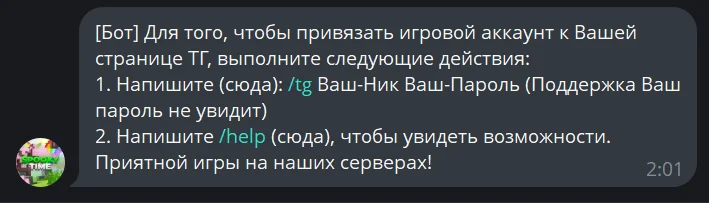
The server’s official Telegram bot is @SpookyTimeBot; start with /start. Use it to link your account, reset your password, protect your login and claim free rewards. There is the same bot in VK: how to link your account.
Account
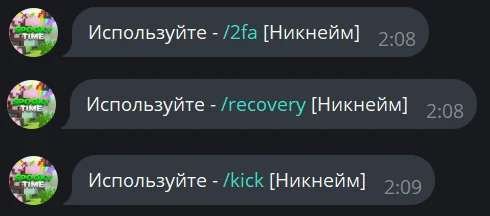
/tg НИК ПАРОЛЬLink the account to this page. You can link several accounts./listYour linked accounts/recovery НИКReset the account password/license НИКTurn license mode on or off. Once it’s on, you can only join with a licensed Mojang account./2fa НИКTurn login confirmation through Telegram or VK on or off/kick НИКKick the account from the server/cp НИК ПАРОЛЬChange the account password
One VK page can have up to 40 linked accounts. Only turn on license mode if you have a licensed Mojang account, or you won’t be able to join.
Rewards and lists
/tokens НИКGet free tokens/fortuna НИКGet Fortuna every day/daily НИКGet the daily reward/razdacha НИКGet a top case/minesAuto-mines on all anarchies/eventsEvents on all anarchies/minieventsMini-events on all anarchies/helpAll available commands
Free rewards
There is plenty of free stuff on the server, you just have to remember to claim it.
/tokens
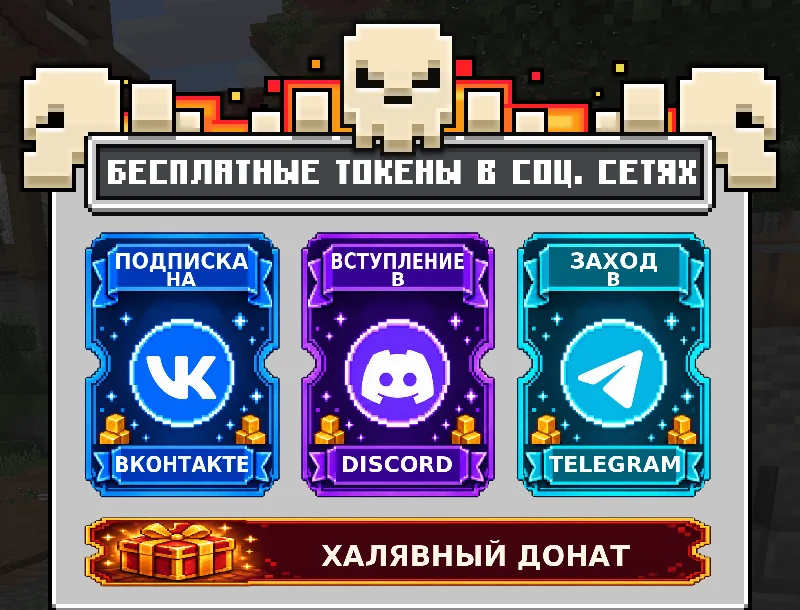
Free tokens you can claim again every wipe. The menu also has social media tasks: subscribe in VK, join Discord, open Telegram, plus Free donor rank.
/daily
- A daily reward: send
/daily NICKin each of the project’s three social networks. - The more days in a row you claim it, the better it gets.
- Miss a day and you start over from day one.
- The rewards change every wipe.
/spooky
Rewards for time played. It’s also where you claim the tokens for linking an account that was linked earlier.
More
- 1,000 tokens per account for linking to VK (
/vk) and the same for Telegram (/tg). - Fortuna every day:
/fortuna NICKin the bot. - Free experience:
/exp.
Wipes, giveaways and contests
- A wipe is a fresh map. It happens once a month, and every change is published in an article under Updates and on VK.
- On wipe day the server goes off in the morning and comes back at 13:00 Moscow time with the new map.
- After every wipe you can claim free tokens again:
/tokens. - Global wipes clear trap skins and battle pass points.
- About a week after a wipe the Extra shop opens (
/extra). The exact date is in the wipe article.
The last day of a wipe
- From the morning until the wipe everyone has Duke: just join the server.
- Tokens come from top cases. They also drop PvP kits, Sharpness 8 swords and Protection 6 armor.
- You can get a top case every 10 minutes on each social network: Telegram, VK and Discord. In the bot it’s
/razdacha NICK, and/раздачаon the server explains how it works. - Some commands don’t work that day.

The Fortuna contest
Every wipe there are 100,000 real rubles (10,000 each for places 1–10), donor ranks, tokens, cases and exchange balance to win. You get Fortuna for playing, events, tasks and in the bot, and you can also buy it for coins at the banker.
Win-Top
A contest for the top balance: /win top. Players who kept to the rules and put the most money into the top get tokens. It ends the day before the wipe, usually at 18:00 Moscow time, and the results are posted in Discord. The rules are in /win rules, read them or you can drop out.
In the latest contests: 1st place got 1,000,000 tokens, 10th place 100,000, and places 51 to 100 got 25,000 each.
Social media contests
When a community reaches a round number of subscribers, VK, Discord and Telegram get contests for donor ranks, tokens and Dukes. All current contests are in the /конкурсы menu.
Events
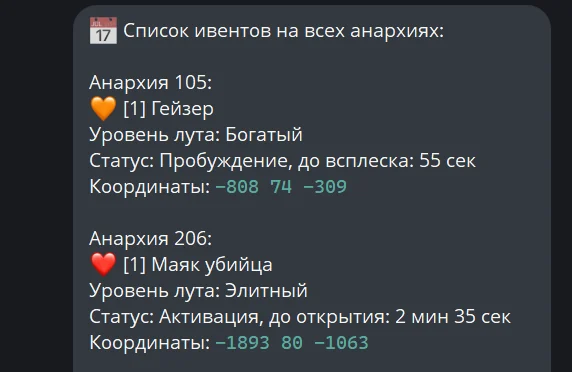
Events spawn on the anarchies on a timer: on many anarchies the next one comes in 15 or 30 minutes, and /event delay shows how long is left. The bot shows where and when an event is on: /events. Click the event coordinates in chat and the game shows the distance; in the bot, clicking them copies them.
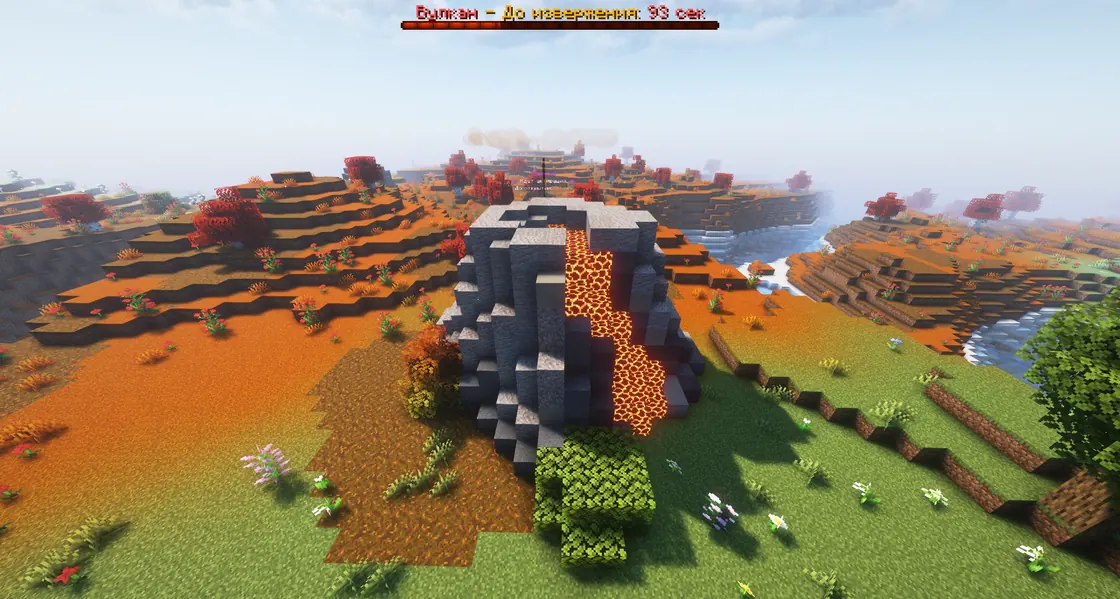
Volcano
Throws out loot in waves and only while it «roars». Items fly out encrypted and burning.
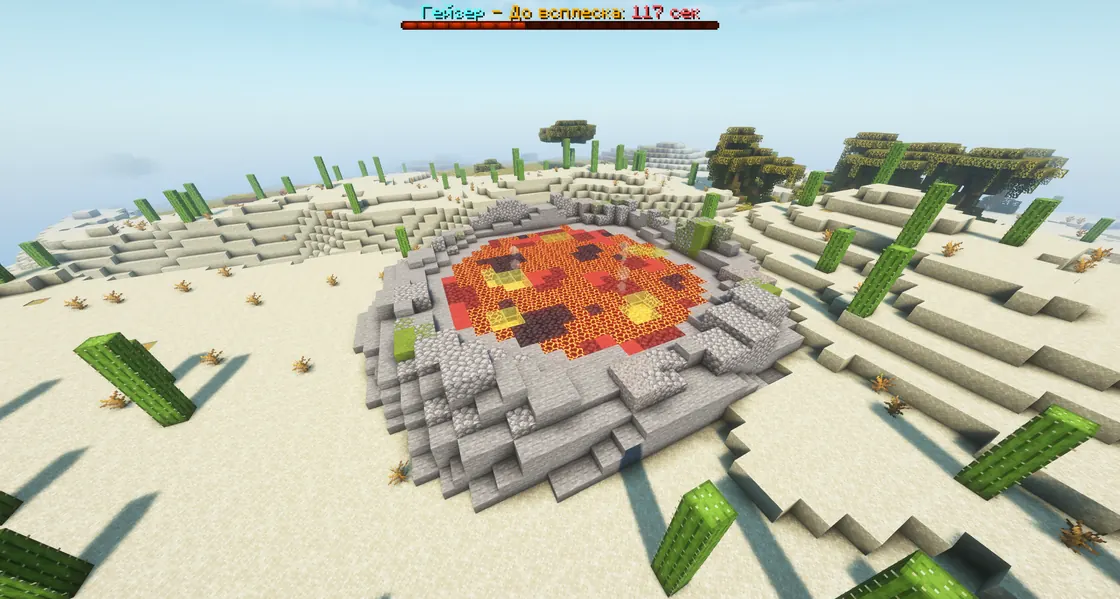
Geyser
A lava geyser: it wakes up first, and resources fly out when it erupts.
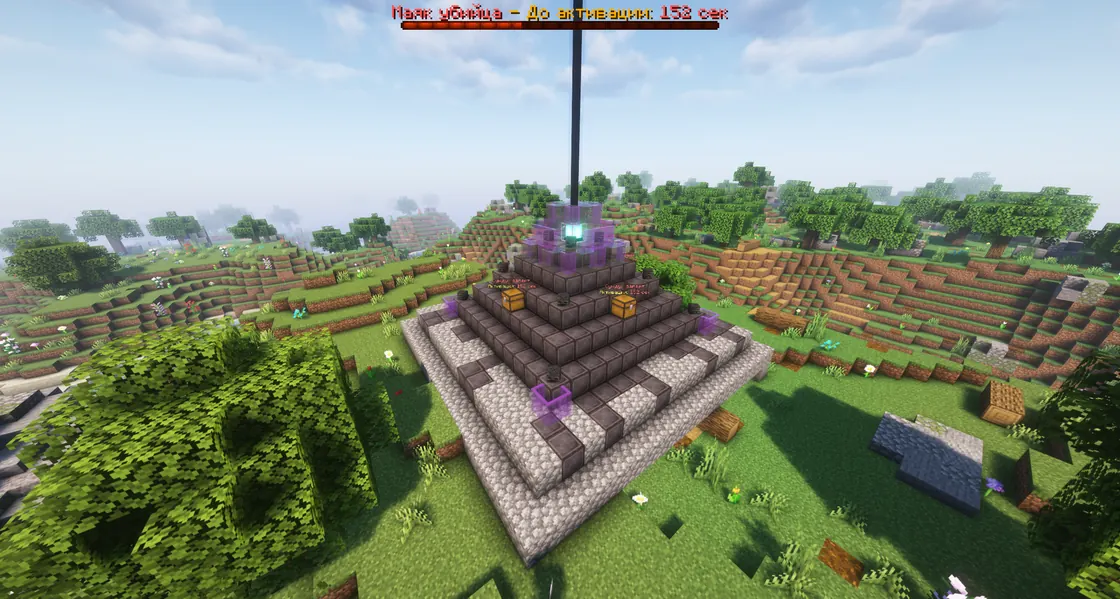
Killer Beacon
Activates first, then opens. Around it there is a radius where slabs and traps can’t be placed.
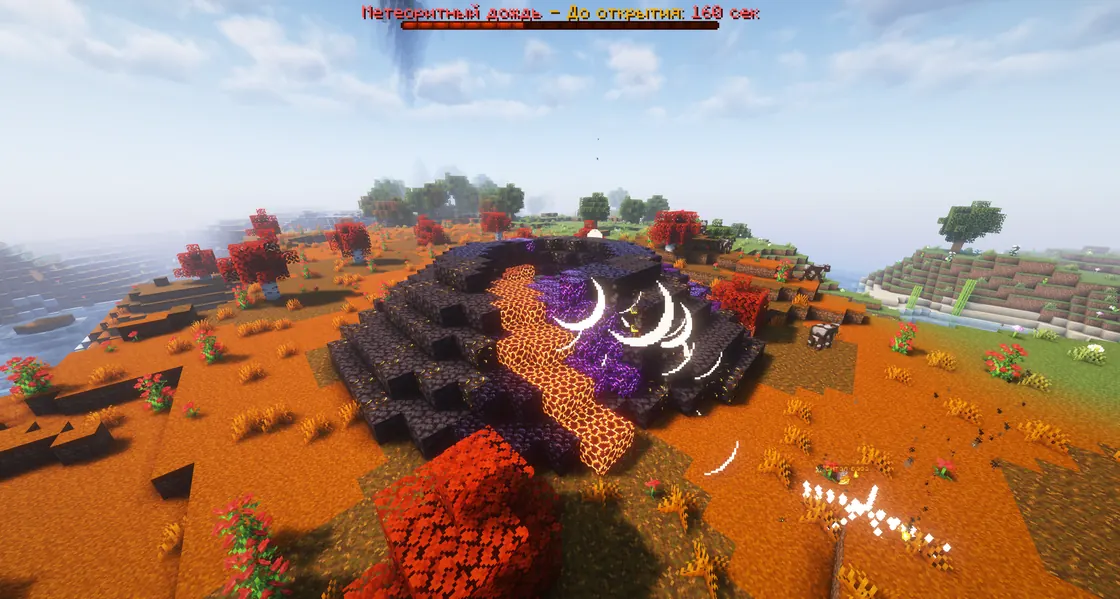
Meteor Shower
A falling comet leaves a shard that drops resources. There are loot chests too.
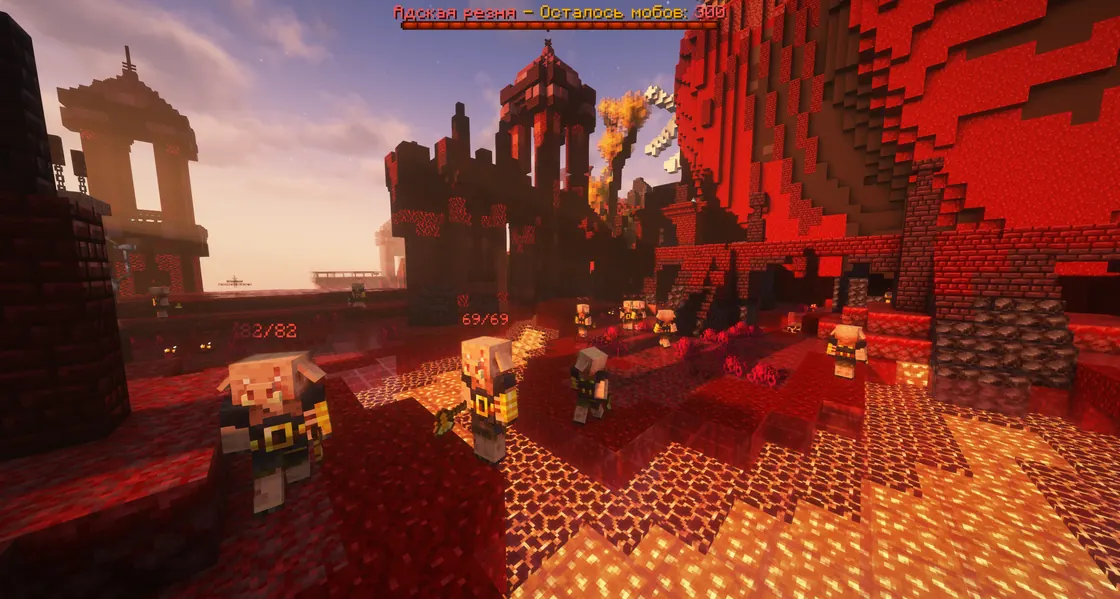
Hell Slaughter
Takes place in its own world: /warp portal. You have to kill the mobs, and the bar at the top shows how many are left. Fishing rods can’t be used on players there, and /jump and /move are blocked.
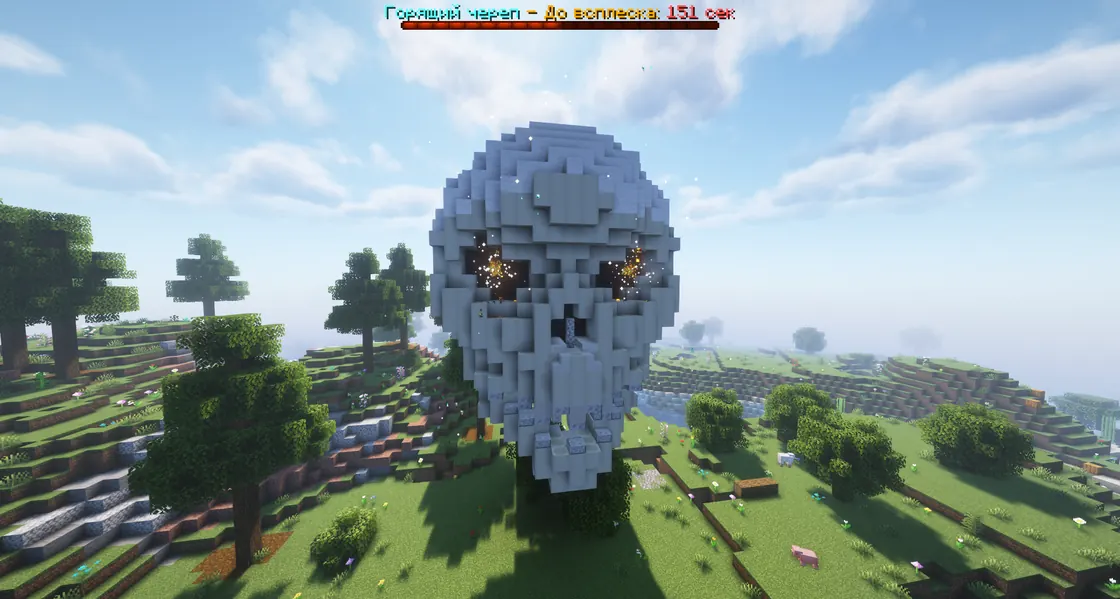
Burning Skull
Waits for its eruption, then stays active for a limited time. Status and coordinates are in /events.
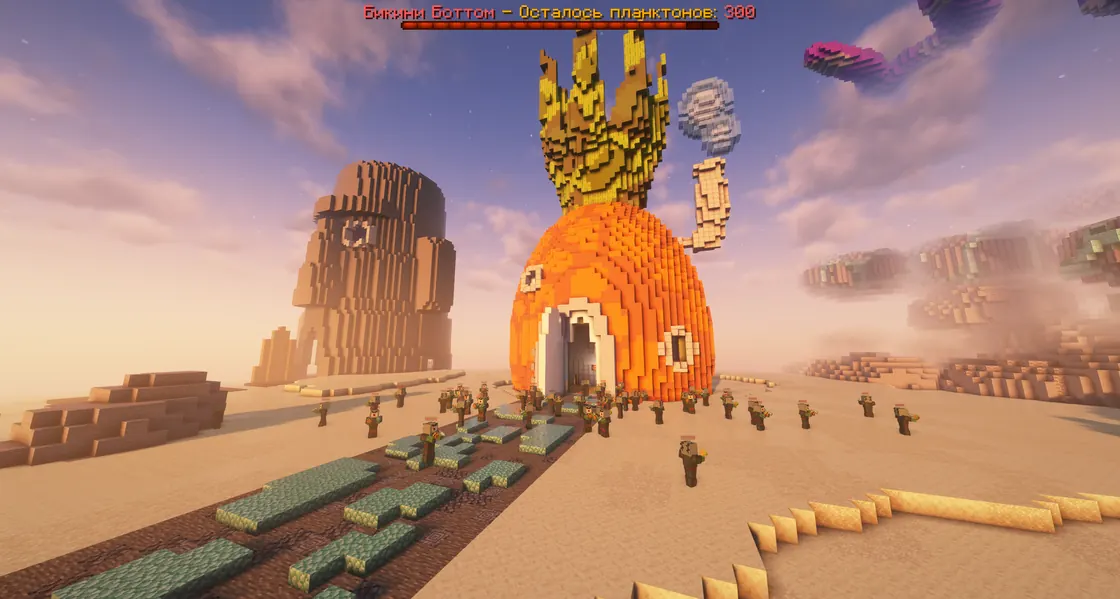
Bikini Bottom
A seasonal event in its own world: /warp BikiniBottom. It has PvP and PvE zones, so it suits everyone. Each of the three houses has a loot chest, and plankton drop the Krabby Patty formula and the Krabby Patty itself. SpongeBob trades them for top resources: /warp SpongeBob.
Death Chests
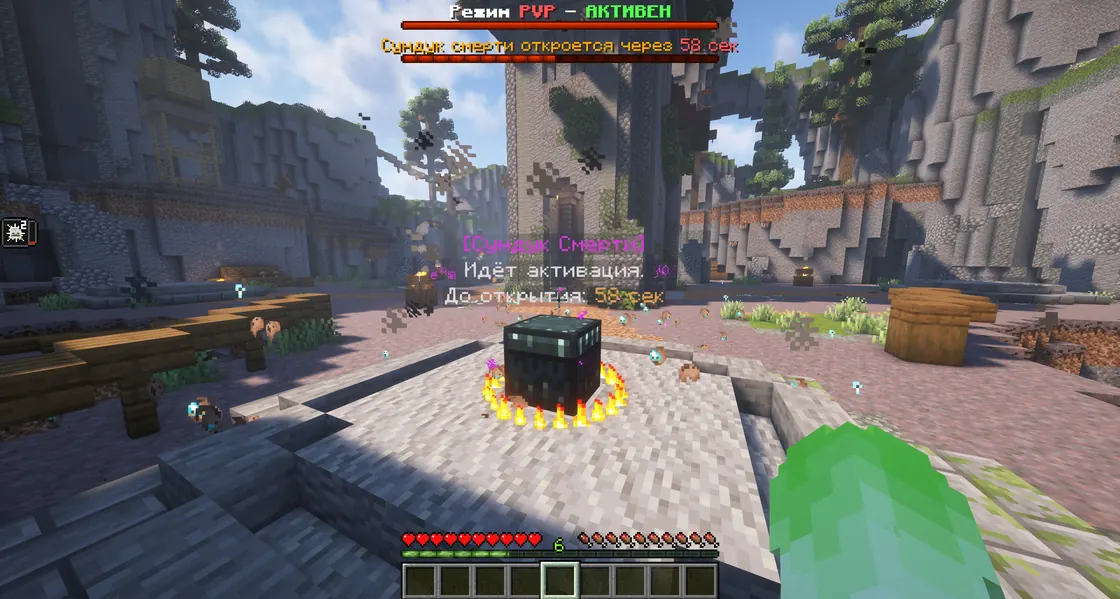
Three chests at the Death Arena: /darena. You can enter the arena before the chests appear, but not after they close. Players near a chest glow, and PvP mode is on at the arena.
The dragon
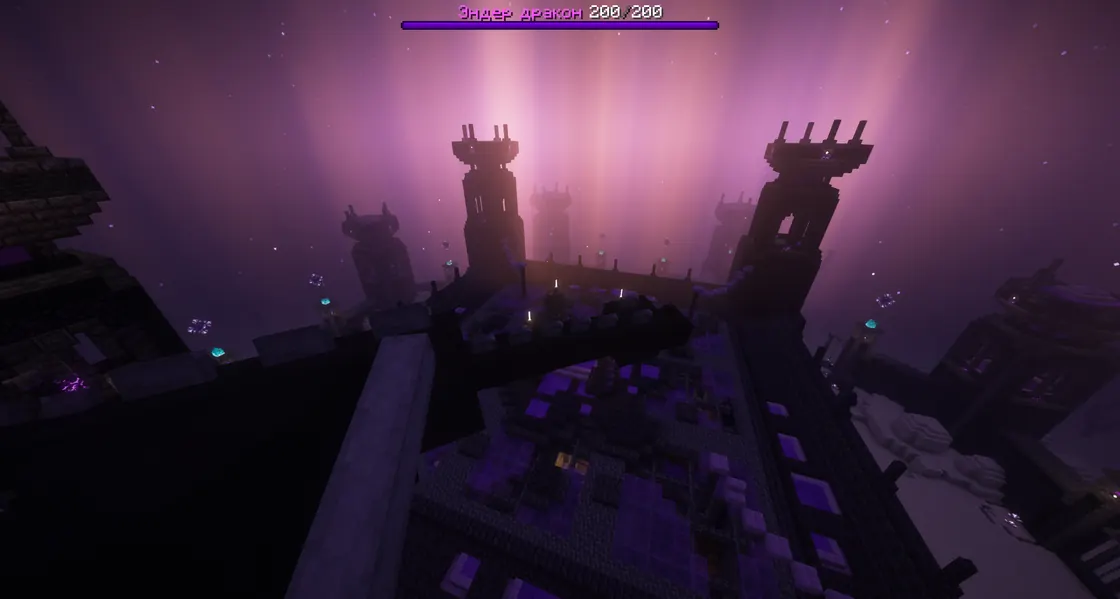
Every day at 19:00 Moscow time in the Ender world. For the first 30 seconds only the top damage dealers can pick up loot. When the dragon dies, all endermen die too, and it drops an egg. Whoever picks up the egg gets PvP mode and a glow; the egg can summon the dragon again, but a summoned dragon drops no egg.
Next one in --:--:--
Loot levels
Events have a loot level, from basic to best:
- Common
- Solid
- Rich
- Elite
- Legendary
The Ender world
- You get to the End through a portal made of frames you can craft:
/crafts. - The island has a dungeon with vases that drop valuable loot. In the dungeon’s main vault you dig suspicious sand with brushes, and its loot is even better. Brushes sometimes drop from the vases.
- The Ender world restores itself after you break or build, so you can’t live there, but it’s handy for chorus fruit and farming endermen.
- Down in the void you get Slowness and Wither, so jumping off won’t get you out of a fight.
Mini-events
Players summon these themselves. AIR-DROP and ALTAR are sold in /tshop special, and /minievents in the bot shows where mini-events are on now.
AIR-DROP
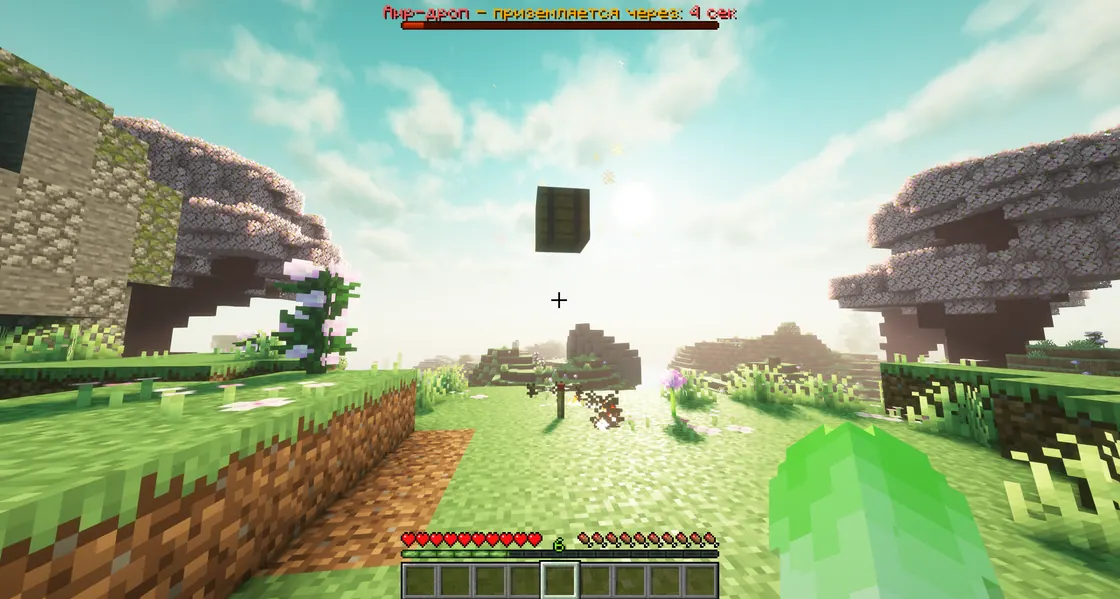
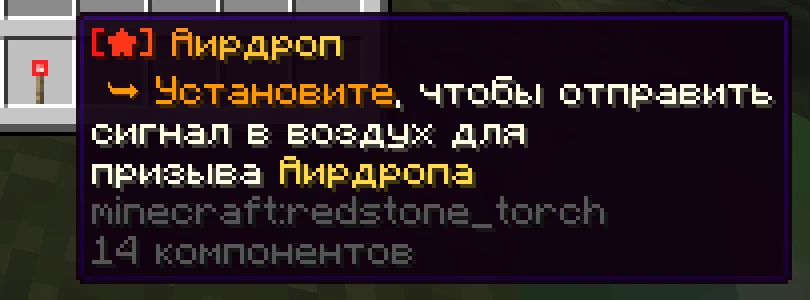
Place the Airdrop item and it sends a signal: a few seconds later a loot crate lands. Its items aren’t «cooled» at first, so you can take them a bit later.
ALTAR
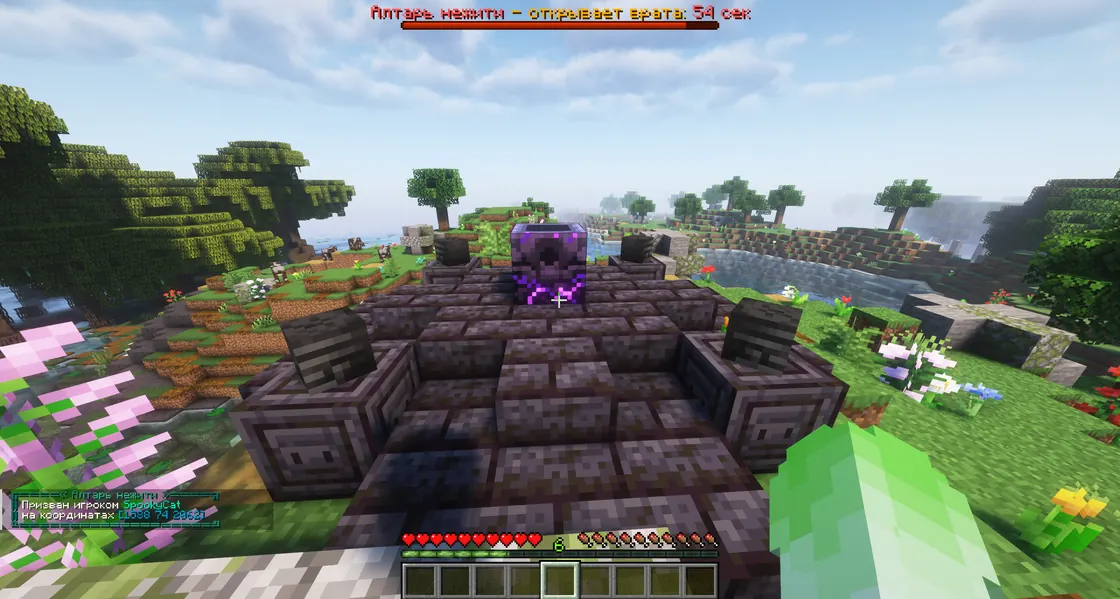
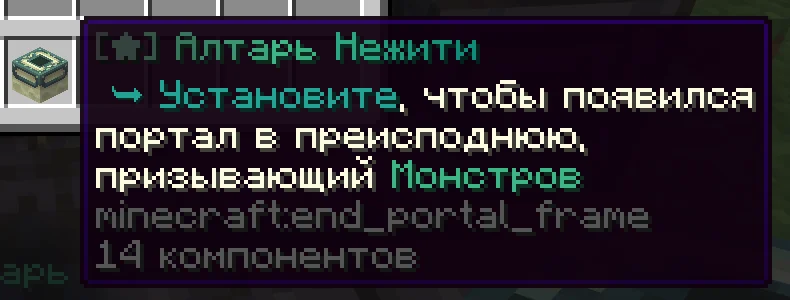
The Undead Altar opens a portal to the underworld that monsters crawl out of. Every player hears it appear.
Summoned mystic
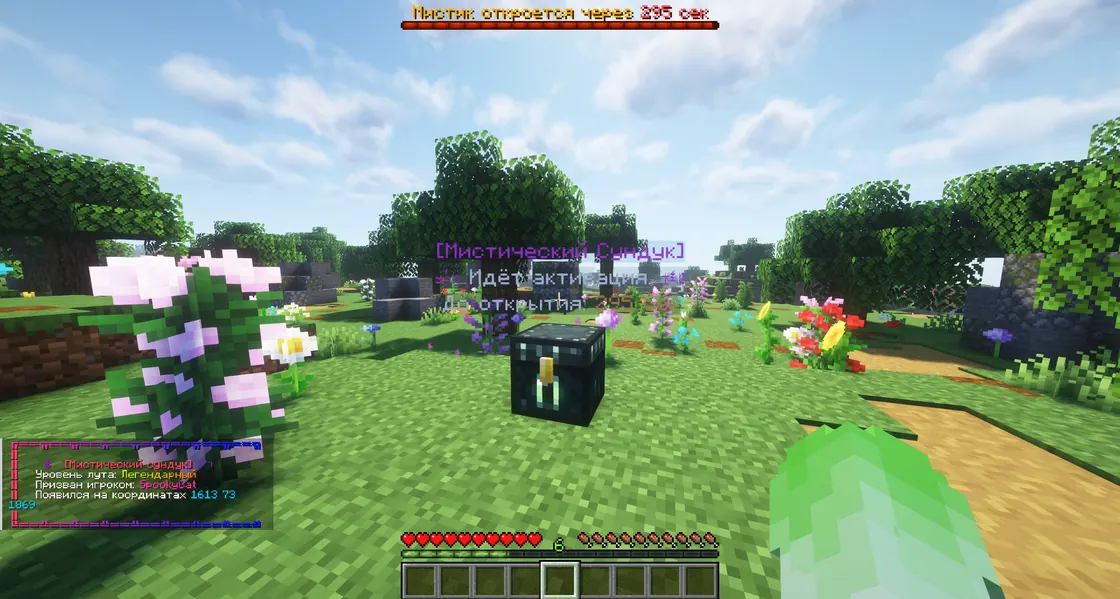
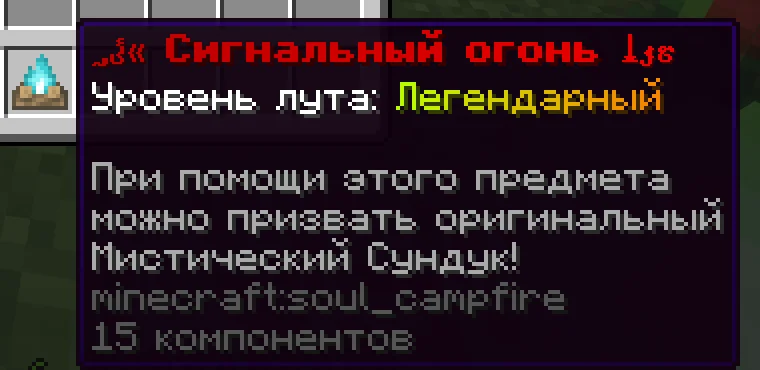
The Signal Fire summons a mystic chest with its own loot level. It’s sold in /tshop mystic. Loot in summoned mystics isn’t encrypted, and the chest is protected by a region all the way up to the sky.
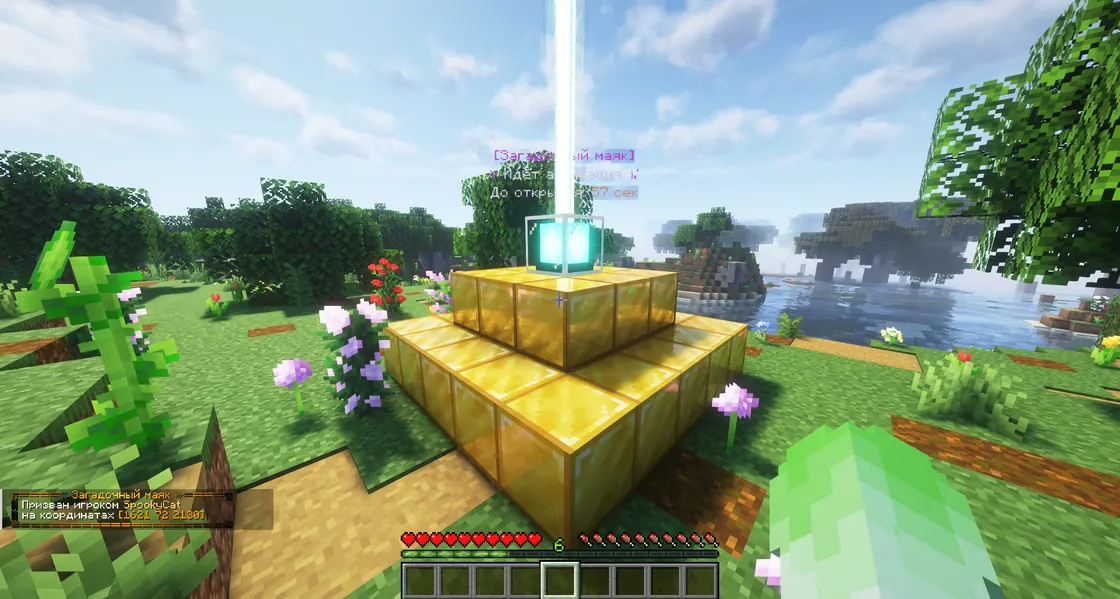
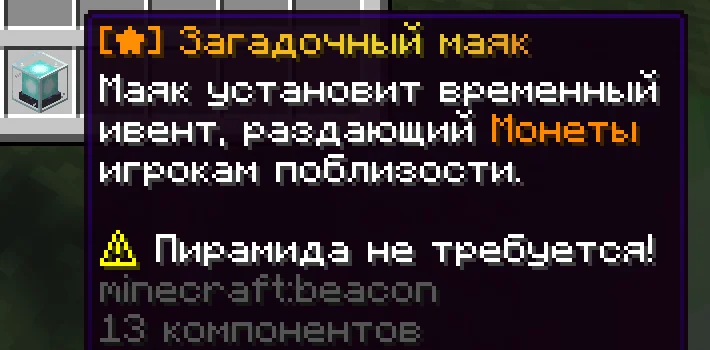
Mysterious Beacon
Goes down without a pyramid and pays coins to everyone within 25 blocks for a while. The amount depends on the online count, and you get no coins from it in /fly or /god.
Loot in event chests stays encrypted until you click it, and there is a short cooldown on looting.
Auto-mines
The anarchies have mines that refresh on a timer by themselves: /warp mine. The next mine can be one of three kinds:
- Common
- Legendary
- Mythic
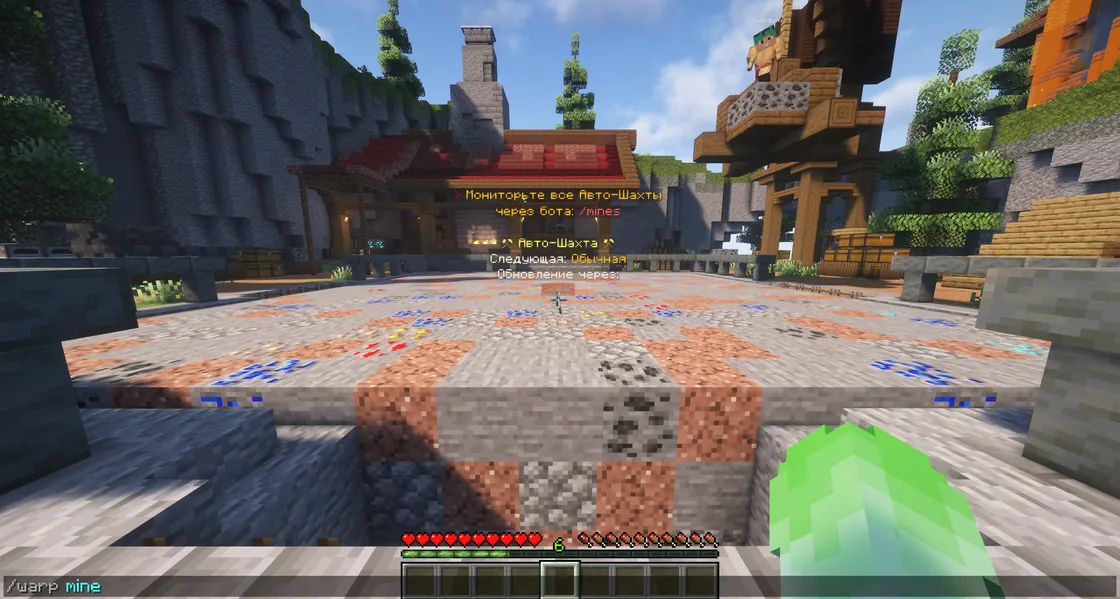
The bot shows the next mine on every anarchy too: /mines. You can’t use /sit in the mine.
Money and shops
Coins
- Mobs drop them: for example 8000–8500 from an endermite, 8700–8800 from a golem and 7000–8000 from a zombie villager.
- Send coins to a player:
/pay NICK AMOUNT. Zeros can be letters: 1кк is a million. - Coins can be exchanged for Fortuna at the banker:
/banker.
Modifiers
They drop from events and are sold in /tshop. Hold a modifier and right-click: it gives temporary access to donor commands like /ec, /fly, /setwarp and /fix.
The buyer
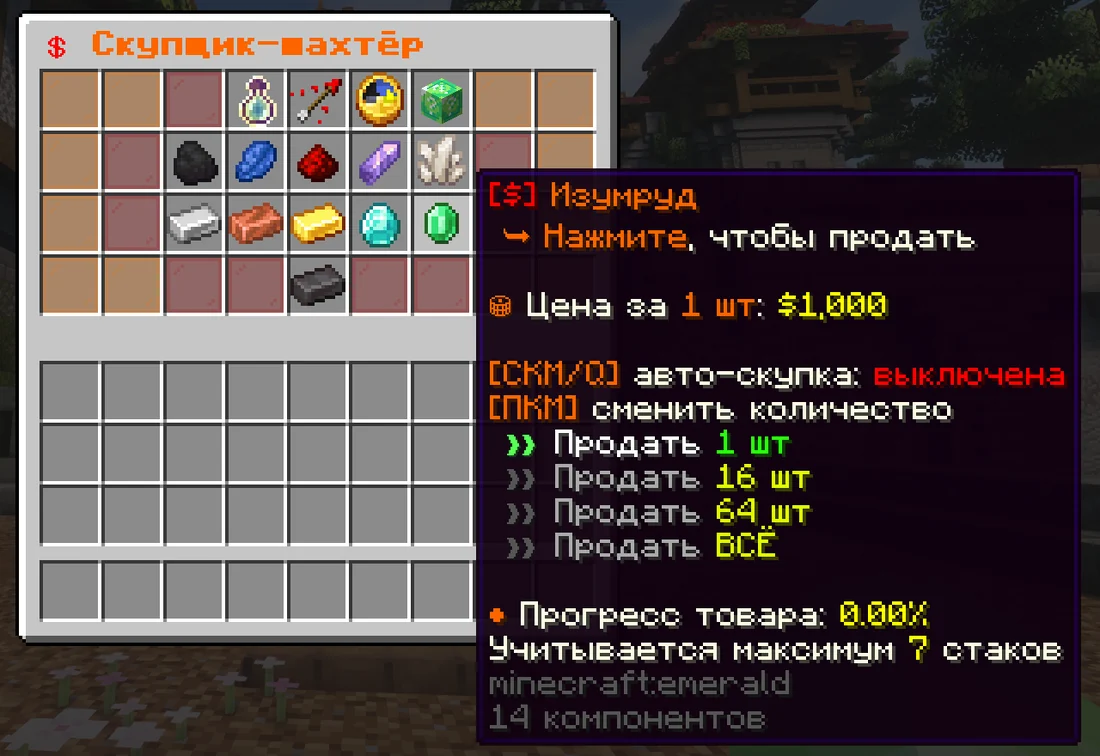
Buys resources by section: sell 1, 16, 64 or everything at once, and turn on auto-sell with the middle mouse button or Q. There are separate buyers too: a jeweler for unique items and a butcher for raw and cooked meat.
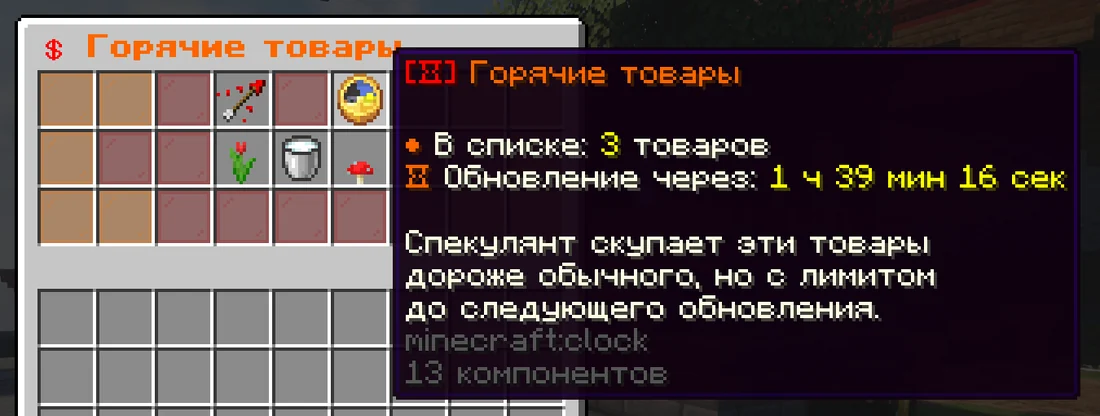
The speculator
In Hot items the speculator pays more than usual for a few items, with a limit until the next refresh. The list changes every 2 hours.
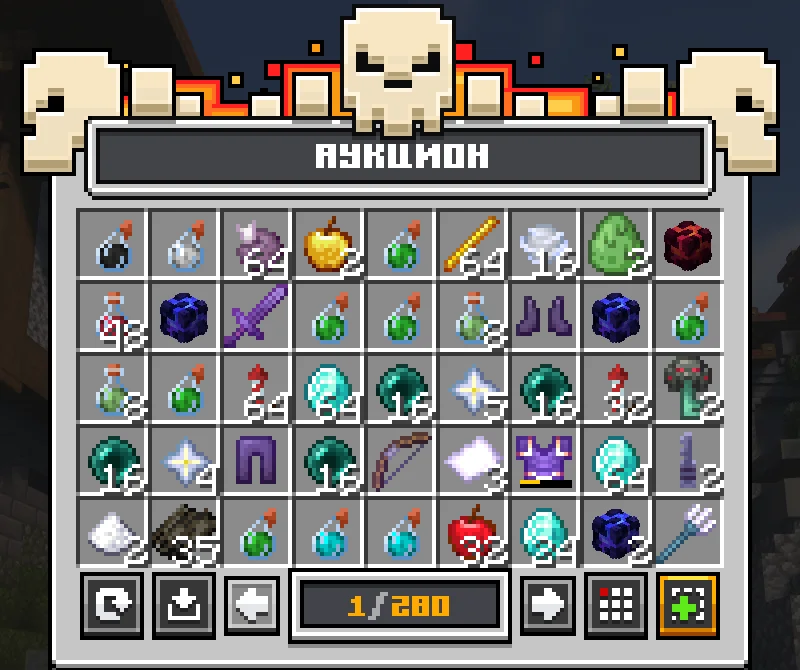
Auction
/ahto buy,/ah sellto list an item./ah searchfinds items by name, even a shulker’s name./ah rentrents slots,/ah sellguisells in bulk.
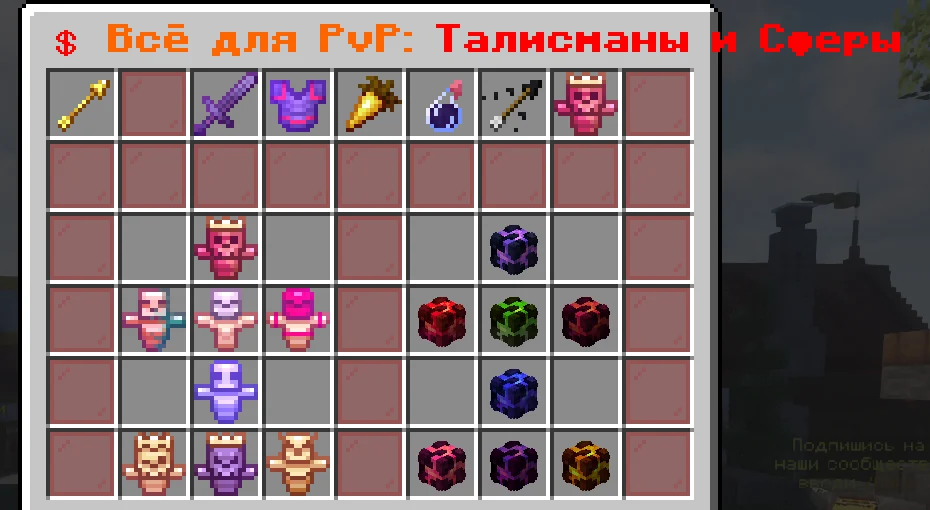
Tokens
- For free:
/tokensevery wipe,/dailyevery day and 1,000 for linking an account. - Spend them in the donor shop
/tshop, on trap skins/trap-skins, cases/caseand in the/extrashop.
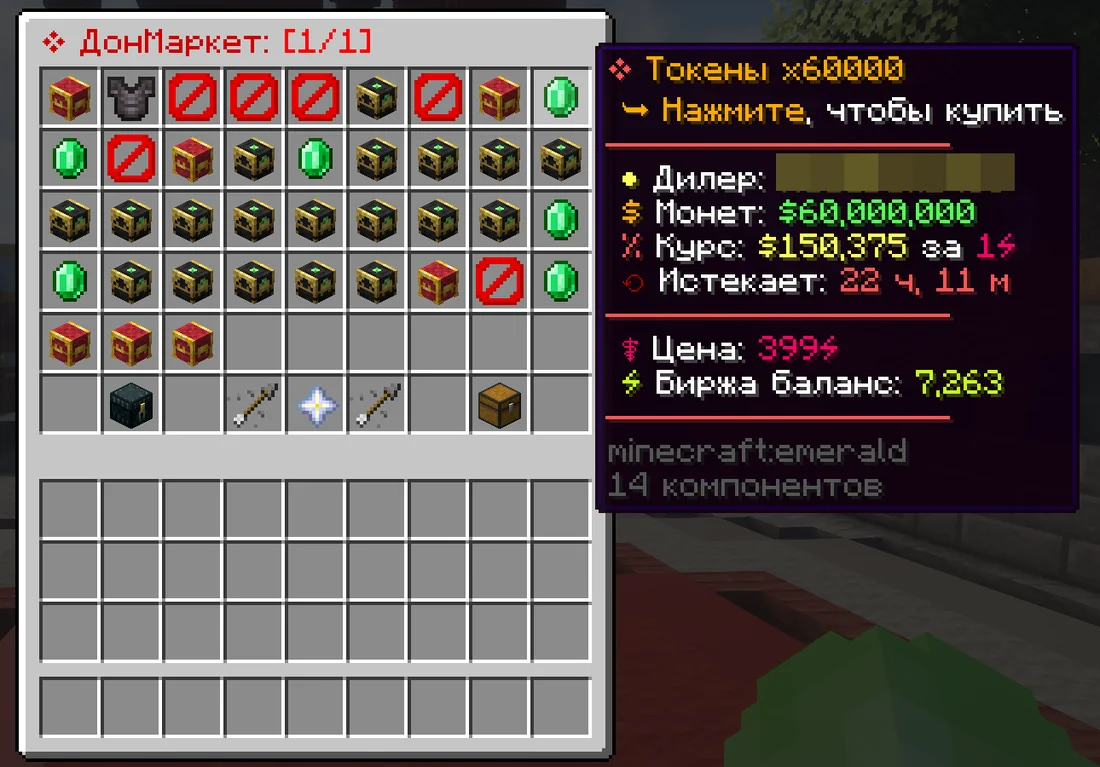
Donat-Market and cashback
/dmis where players buy and sell donor items and tokens to each other. Each lot shows the price, the rate and when it expires.- Purchases in the online store give cashback:
/cashback.
Clans and regions
Clan
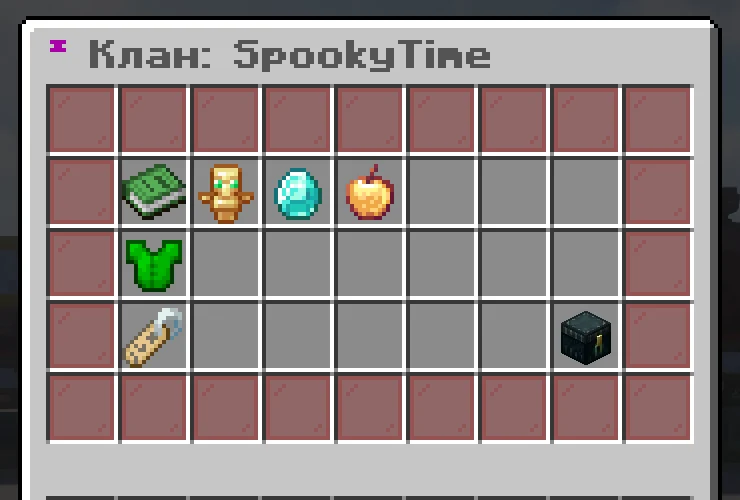
/clan menuThe clan menu/clan inviteInvite a player/clan homeTeleport to the clan base/clan pvpTurn friendly fire on or off/clan storageShared storage/clan coordsClanmates’ coordinates/ccClan chat/clan topClan top
Clan level
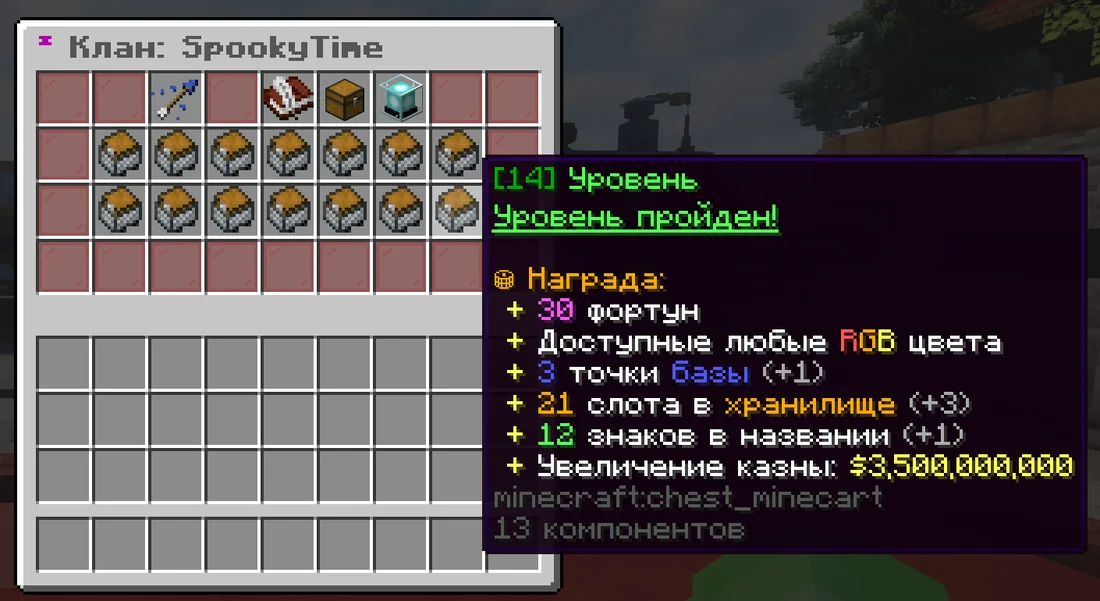
Clans level up at the buyer. Levels give rewards: Fortuna, RGB colors, base points, storage slots, a longer name and a bigger treasury.
Region
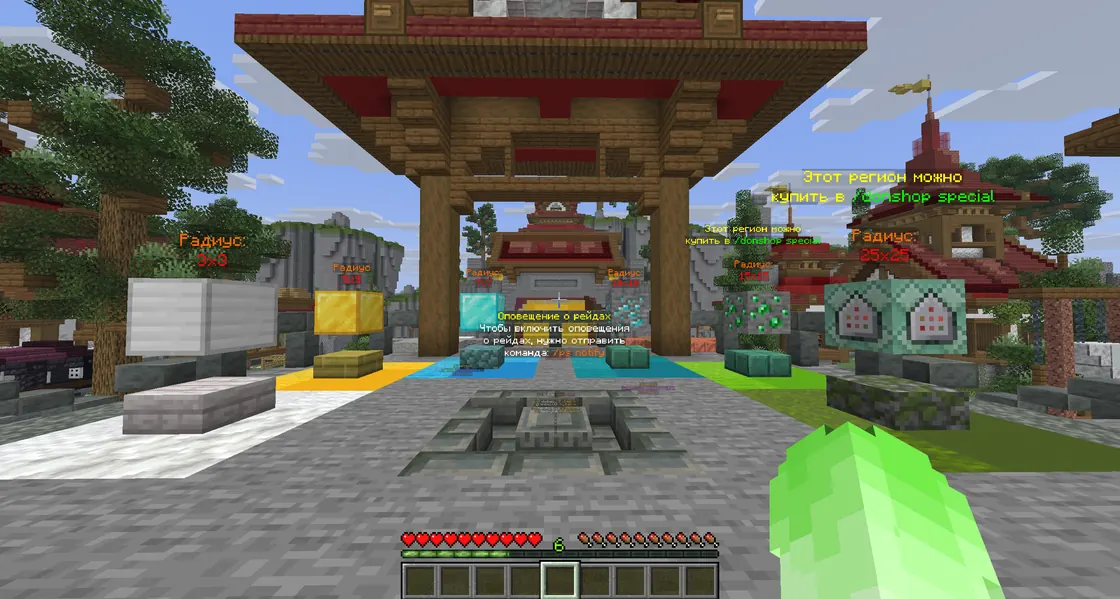
- A region is placed with a special block; details:
/rg-help. Spawn shows every size from 3×3 to 25×25, and the big ones are sold in/donshop special. /ps notifysends raid alerts to Telegram, VK or both.- Teammates’ regions can overlap, up to 8 of them.
- Raids are allowed: there is WHITE and BLACK TNT for them, and traps and slabs for fights.
Duels
Since September 16, 2026 duels are synced across the anarchies, so opponents are found across the whole project.
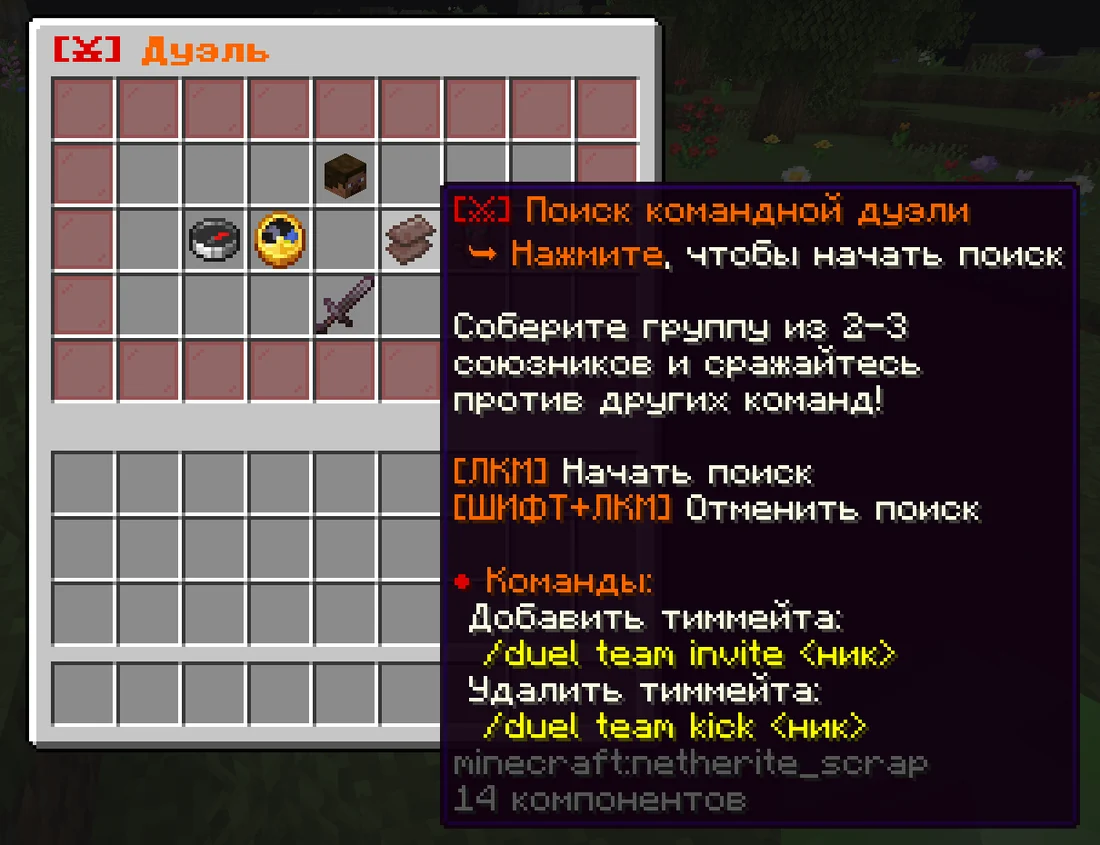
/duel НИК [ставка]A personal duel on equal terms with limits you choose. The stake is optional/duelsFind ranked and regular duels, your stats and the rating top/duel team invite НИКInvite a player to your team: a group of 2–3 allies for a team duel/duel team kick НИКRemove a player from the team/duel leaveLeave after the duel ends
Team duel
Put a team together and left-click to start searching, or Shift + left-click to cancel.
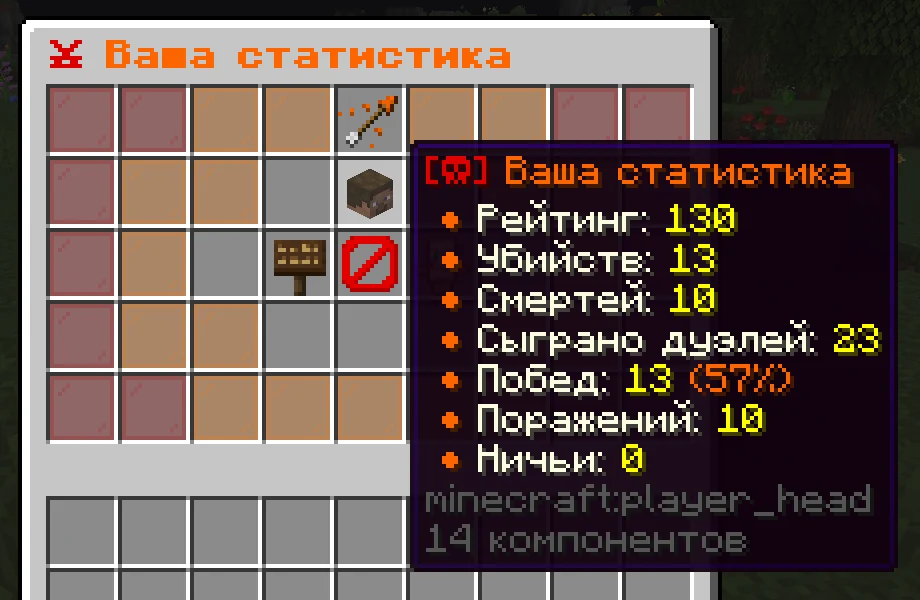
Stats
/duels shows your rating, kills, deaths, duels played, wins, losses and draws.
In a ranked duel your opponent is matched by skill, your inventory doesn’t drop and the result counts for your rating. In a regular duel the opponent is random and your inventory drops. There is also a separate duels mode.
If something happens
I forgot my password
You can reset the password in the bot with /recovery NICK, so it’s best to link the account to the bot in advance.
I want to protect my account
- Link the account to the bot:
/tg NICK PASSWORD. - Turn on login confirmation:
/2fa NICK. - Set a strong password you don’t use anywhere else:
/cp NICK PASSWORD.
Someone else is in my account
Kick them through the bot: /kick NICK, change the password right away: /cp NICK PASSWORD, and turn on /2fa NICK.
If the account has already been taken, message the project owner gamemax on VK or Discord, or the technical administrator Vladyaso on VK. Hacked accounts are returned to their owners.
I can’t connect or it lags
Try another address: neo.spookytime.net or tcp.spookytime.net, and keep the one with the lower ping. Maintenance is announced on Discord and Telegram.
I found a bug or a dupe
Message the owner privately and get a good bonus: the cooler the bug, the bigger the bonus. Using bugs or hiding them is against rules 2.3.1 and 2.3.2.
I want to complain
- About players: in Discord, the “жалобы-на-игроков” channel. Complaint moderators review them.
- About staff: in Discord, the “жалобы-на-кп” channel. The curator reviews them.
- A donor gave a wrong punishment: also in Discord. That donor loses
/ban,/unban,/muteand/unmute.
I was called in for a check
- The check is mandatory: do what the checker asks and keep an eye on the chat.
- Don’t quit Minecraft or delete anything from your computer during the check.
- Checks are currently done through AnyDesk only.
- While you’re being checked, nobody can message you privately.
Details: section 5 of the rules.
I got banned or muted
Check the rules: each rule lists its punishment. If you think it was a mistake, file a complaint in Discord. Unbans and unmutes are sold on the Donat-Market (/dm).
I died and lost my stuff
You can go back to where you died with /back, though not right after dying.
The team
- gamemax Owner. Message him about anything
- Vladyaso Tech admin. Helps get a hacked account back
- SpookyCat The project’s main YouTuber
- xDedForSkise Curator. Complaints about deputy curators
- stekfort2642kr Deputy curator. Staff recruitment #1
- Gorenyx Deputy curator. Staff recruitment #2
For YouTubers and TikTokers
- YouTube: 3,000+ views on every video
- TikTok: 5,000+ views on every video
- Your content is all about Minecraft anarchy
- Three videos on SpookyTime before you apply
Exceptions happen.
Join the staff
Moderators wanted. Tired of cheaters? So are we. Help get rid of them and protect regular players. A deputy curator teaches you everything: watching players and events, finding cheaters and teamers, calling players to checks. Do well and you can grow to deputy curator.
If someone writes that you’ve been accepted, check that they are a deputy curator: every deputy curator’s page is listed in the VK group contacts.